Running Coding Agents in Parallel: Worktrees, Containers and One Shared Cluster
Worktrees keep parallel agents out of each other's files and containers keep them off each other's ports. Neither keeps their tests apart. What each layer isolates, and what is left.
To run coding agents in parallel on one repository, isolate three things separately: each agent’s files, its local processes, and the environment its tests run against. Git worktrees isolate the files and dev containers isolate the processes. Neither touches the third, and that is where most parallel setups break.
The third layer is an ephemeral environment for each agent’s change on a shared Kubernetes cluster, so integration tests run against production-like services without another agent’s deploy in the way. That is the step that lets an agent verify its own change against the running system before a person reviews it, and the core of the complete guide to verifying AI-generated code on Kubernetes.
Three things parallel agents share by default
Start two agents on one repository with no setup and they share everything: the working directory, the machine, and the environment their tests talk to. Each shared thing fails in its own way.
The files collide first. Two agents editing one checkout overwrite each other’s changes, and a test run by one picks up the half-finished edits of the other. The machine collides next. Both agents start the dev server on the same port, bring up the same Compose stack and point at the same local database.
The shared environment collides last, and it is the hardest to see. When both agents deploy to one staging cluster to run integration tests, each deploy replaces the other’s version of a service. A test fails and nobody can say whose change caused it. Each layer of isolation fixes one of these, and none fixes all three.
Layer one: a git worktree for each agent’s files
A git worktree is an extra working directory attached to the same repository. Each linked worktree has its own files, its own HEAD and its own index, while refs and history are shared. By default git refuses to check out a branch that another worktree already has checked out, which stops two agents from committing to one branch by accident.
git worktree add ../project-feature-a -b feature-a
git worktree list
git worktree remove ../project-feature-a
Worktrees share the repository’s history, start in seconds and come down with one command. For file isolation they are the right default, and the main coding agents now create them for you.
Claude Code worktrees and parallel agents
Claude Code’s worktree docs describe a --worktree flag that creates a git worktree under .claude/worktrees/<name>/ on a new branch and starts the session in it:
claude --worktree feature-authRun it again with a different name in another terminal, and you have Claude Code parallel agents that never touch each other’s files. Subagents get the same treatment with isolation: worktree in their frontmatter. Claude Code’s guide to running agents in parallel adds that the bundled /batch skill splits one large change across 5 to 30 worktree-isolated subagents, and that agent teams do not isolate teammates in worktrees, so their work has to be split by file instead.
A worktree is a fresh checkout, so it starts without gitignored files such as .env. Claude Code reads a .worktreeinclude file, written in .gitignore syntax, and copies the matching ignored files into each new worktree:
.env
.env.local
Worktrees in Codex and Cursor
The Codex app creates managed worktrees in $CODEX_HOME/worktrees by default. It starts them in a detached HEAD state, so it can create several without adding branches to your repository, and it keeps the 15 most recent unless you change the limit. Codex uses a .worktreeinclude file of its own for ignored files, and can run a setup script from a local environment each time it creates a worktree.
Cursor’s 2.0 release added running up to eight agents in parallel on one prompt, using git worktrees or remote machines so each agent works in its own copy of the codebase.
What a worktree leaves shared
Claude Code’s docs are precise about the limit: worktrees “isolate file edits.” Everything outside the checkout is still shared.
Ports are the first collision. Every worktree has the same config, so every agent starts the API on the same port and the second one fails to bind. Assign ports per worktree in the setup script instead of hard-coding them.
Docker Compose has a quieter version of the same problem. Compose uses a project name to isolate environments, and by default it takes that name from the directory that contains the Compose file. If the file sits in a subfolder such as deploy/ in every worktree, every agent gets the same project name and shares containers, networks and volumes. Set COMPOSE_PROJECT_NAME, or pass -p, for each worktree. A project name does not fix published ports, though: services talk to each other on the container port inside a Compose network, and two projects that publish the same host port still collide.
Databases are the collision people notice last. Two agents pointed at one local Postgres run each other’s migrations and read each other’s test rows.
Layer two: a container for each agent’s toolchain
A development container moves the toolchain into a container described by devcontainer.json. Each agent’s processes, tool versions and ports inside the container are its own, and the setup is identical for every engineer and every agent.
Claude Code devcontainer setups
With Claude Code installed in a dev container, the Claude Code dev container guide says the commands Claude runs execute inside the container rather than on the host, while edits to project files appear in your local repository. That makes a container a sensible boundary for unattended runs. Because the container runs Claude Code as a non-root user and confines command execution to the container, the guide says you can pass --dangerously-skip-permissions, and it recommends pairing that with limits on outbound network traffic.
The same guide is clear about the limits. It warns that with that flag a dev container does not prevent a malicious project from exfiltrating anything accessible inside the container, and it recommends dev containers only for trusted repositories. Claude can still change any file in the mounted workspace, which shows up directly on the host. The same holds for any Claude Code Docker setup that mounts the repository into the container.
What a container leaves shared
Anything you forward or publish to the host, through forwardPorts or appPort, is back on the shared machine and can collide again. And each container costs memory and CPU, so one laptop runs a handful of agents, not a handful of copies of a thirty-service system.
That is the real ceiling. Containers isolate the agent. They do not give it the rest of the system to test against.
Layer three: an ephemeral environment on one shared cluster
Unit tests run fine in a worktree. The changes that break production are the ones that are right in isolation and wrong in context: a renamed field that one consumer still reads, or a new retry loop that overloads a service two hops away. Catching those means running the change next to the services it talks to, which for most microservice teams means a Kubernetes cluster. Our post on how far runtime verification for coding agents reaches covers why a private runtime with mocks misses them.
Three ways to give parallel agents a cluster
Shared staging, one environment for everyone, works until two agents deploy different versions of the same service. Then each overwrites the other, tests fail for reasons unrelated to the change under test, and an agent spends its loop chasing someone else’s bug.
An ephemeral environment per agent fixes the overwrites, and ephemeral environments come in two shapes. The full-copy shape deploys every service into a Kubernetes namespace per agent. It isolates everything, but cost grows with the number of services times the number of agents, and a full stack is slow to come up for an agent that wants to test, read the result and try again.
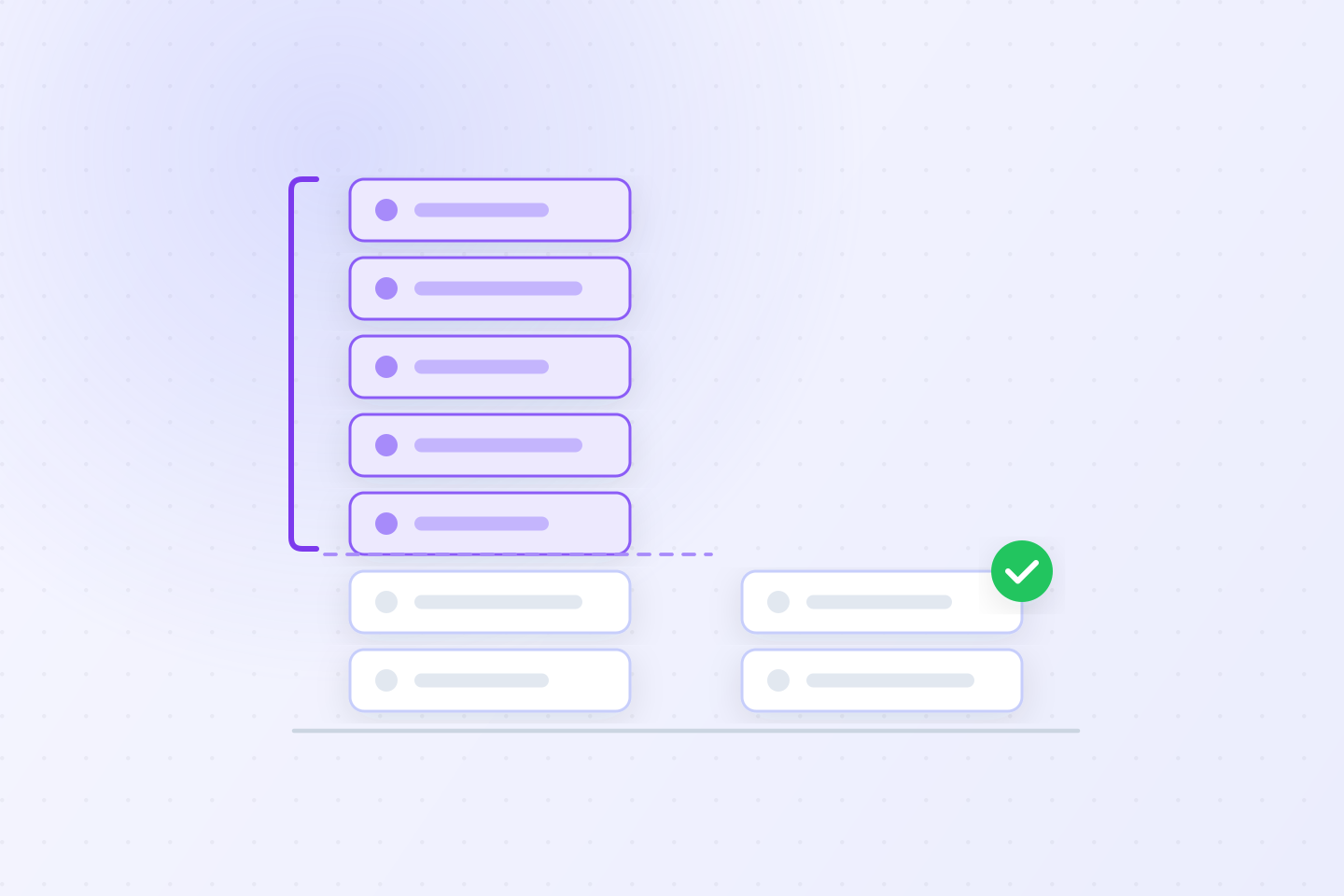
The lightweight shape runs only the services an agent changed, and shares one set of stable services in the cluster for everything else. Ten agents changing ten different services each see a production-like system where their change is the only difference, and none of them sees the others’ changes.
How Signadot gives each agent its own environment
Signadot is the lightweight shape, in the Kubernetes cluster you already run. Each agent’s change gets a Sandbox, Signadot’s lightweight ephemeral environment, which holds only the workloads that change modified. Agents create and delete Sandboxes themselves through the signadot CLI or the MCP server, and a Sandbox is deleted with its pull request or when its time to live runs out.
Under the hood, test requests for a Sandbox carry its routing key in a header. Each service passes that key along to the next, so a request reaches the Sandbox’s version of a changed service and the shared copy of everything else.
Running the changed service from the agent’s worktree
The agent doesn’t have to build and deploy an image to test against the cluster. With local workloads, the machine connects to the cluster with signadot local connect, and a Sandbox with a local mapping sends its traffic for a service to a process running on that machine. The service runs from the agent’s worktree, on the port that worktree was assigned, and the rest of the system stays in the cluster.
name: agent-a-orders
spec:
  cluster: staging
  local:
  - name: orders-agent-a
    from:
      kind: Deployment
      namespace: shop
      name: orders
    mappings:
    - port: 8080
      toLocal: "localhost:18081"
That joins layers one and three. Each agent edits in its own worktree, runs its changed service there, and sends test requests through the cluster with its Sandbox’s routing key. This is how the signadot-validate agent skill works: it runs the changed service locally where it can, checks the result through the cluster rather than localhost, and builds and pushes an image only when the service can’t run outside the cluster.
What the shared-cluster shape costs
Services have to pass the routing header along, often with OpenTelemetry context propagation. Shared data needs a plan. By default a Sandbox shares the cluster’s databases, which works when tests partition data by tenant or user and clean up after themselves. A change that can’t share, such as a schema migration, declares resources, like a temporary database created and deleted with the Sandbox.
Message queues stay shared too. Message queue isolation puts a routing key in each message on the shared broker, and Sandbox consumers process only their own. The docs cover Kafka, NATS, Google Cloud Pub/Sub, RabbitMQ, Redis Streams and AWS SQS/SNS, each with its own setup.
The trade-offs, side by side
| Approach | What it isolates | What it leaves shared | Main cost | Use it for |
|---|---|---|---|---|
| Git worktree | Files, branch and index | Ports, containers, databases, the test environment | Disk for each checkout and its dependencies | Every parallel agent, always |
| Dev container | Processes, tool versions, ports inside the container | Ports published to the host, the mounted repository, the test environment | Memory and CPU for each agent on one machine | Unattended runs and a shared toolchain |
| Full-copy environment, a namespace per agent | Every cluster resource | Nothing on the cluster | A full stack for each agent, slow to start | A few long-lived agents on a small system |
| Lightweight ephemeral environment on a shared cluster | The services the change modified, plus any resources it declares | Unchanged services, and data unless the change declares its own | Header propagation in services, a plan for data and queues | Many agents testing against a large system |
One cost applies to every layer. Claude Code’s parallel-agents guide notes that running several sessions or subagents at once multiplies token usage, so more agents is not free even when the infrastructure is.
Putting the layers together
Most teams end up using all three layers, because each stops at a different boundary. A setup that holds up looks like this:
- Each agent starts in its own worktree, created by the agent tool or with
git worktree add. - A setup script installs dependencies, copies ignored config through
.worktreeinclude, and gives the worktree its own ports and Compose project name. - Agents that run without permission prompts run in a dev container with outbound network traffic limited.
- Unit tests and linting run locally, where they are fast.
- For integration and end-to-end tests, each agent gets a lightweight ephemeral environment on the shared cluster, with its changed service running from the worktree or deployed to the cluster.
- The environment, the container and the worktree are removed when the change merges.
To see steps 4 and 5 run end to end, watch Claude Code verify a microservices change in a closed loop. For the same pattern across an agent-heavy pipeline, see coding agent environments on Kubernetes.
Frequently asked questions
How do we stop parallel coding agents from colliding when they all test against the same Kubernetes cluster?
Give each agent's change its own ephemeral environment on the cluster instead of deploying into shared staging. A lightweight ephemeral environment runs only the services that agent changed and shares the cluster's stable services for everything else. Agents never overwrite each other's deployments, and a failing test points at one change. Worktrees and containers do not solve this part, because they isolate the agent's files and processes, not the environment its tests run in.
How do I run Claude Code sessions in parallel with git worktrees?
Start each session with claude --worktree and a name. Claude Code creates a worktree under .claude/worktrees/ on a new branch and runs the session there, so edits in one session never touch another. A .worktreeinclude file copies gitignored files such as .env into each new worktree. You can also create worktrees yourself with git worktree add and start claude inside them.
Do git worktrees isolate ports and databases?
No. A worktree isolates files, the branch and the index. Every worktree still runs on the same machine, so dev servers want the same ports, Compose stacks can end up with the same project name, and agents pointed at one local database see each other's migrations and test data. Assign ports and a Compose project name per worktree in a setup script, and give tests that need other services an isolated environment of their own.
Should coding agents run in a dev container?
For unattended runs, yes. Claude Code's docs say a dev container confines command execution to the container, which makes running without permission prompts reasonable for trusted repositories when paired with limits on outbound network traffic. Every agent also gets the same toolchain and its own processes. A container does not stop a malicious project from reaching what is inside it, and it does not give the agent the rest of a microservices system to test against.
Can a coding agent test a service running in its worktree against the cluster?
Yes, with Signadot's local workloads. The machine connects to the cluster with signadot local connect, and the agent creates a Sandbox, Signadot's lightweight ephemeral environment, whose local mapping sends that service's traffic to the process running in its worktree. Requests carrying the Sandbox's routing key reach the local process, and everything else stays on the cluster's shared stable services. The agent verifies its change in a production-like environment without building or deploying an image.
Is a Kubernetes namespace per agent enough?
It isolates well but scales poorly. A namespace per agent is the full-copy shape of an ephemeral environment: every service, for every agent, so cost grows with the number of services times the number of agents, and a full stack is slow to start for an agent that tests in a loop. A lightweight ephemeral environment runs only the changed services on the shared cluster, with the same isolation for what changed.